Lock My Folders app icon

Local folder protection for macOS

Lock My Folders

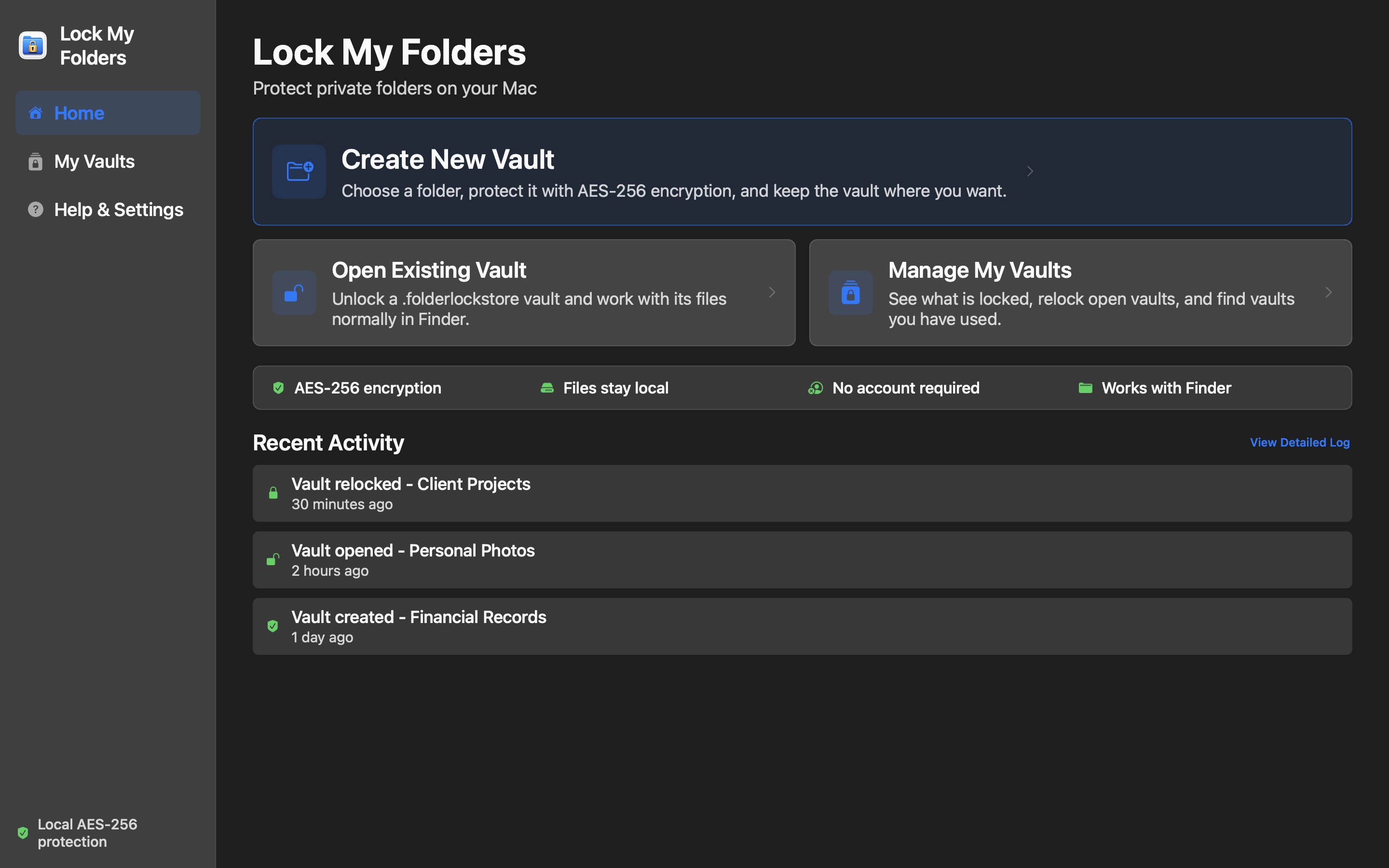
Turn selected folders into AES-256 encrypted sparsebundle vaults. Unlock them into Finder when you need to work, then relock them when you are done.

Private by design

Your files stay under your control

Locking, unlocking, and relocking use macOS system tools on your Mac. The app does not require an account, app-managed cloud upload, analytics, or a remote service.

AES-256 encrypted vaults

Each protected folder becomes an encrypted APFS sparsebundle that can grow as your files change.

Works with Finder

Unlocked vaults mount as normal Finder locations, so you can use your usual Mac apps and workflows.

Verified before Trash

The app verifies copied folders, files, symlinks, hidden items, sizes, and file bytes before asking macOS to move the original to Trash.

A clear workflow

Protect, work, relock

1

Create

Choose a suitable folder, confirm a save location, and set a passphrase that only you know.

2

Unlock

Mount the encrypted vault beside the vault file by default, then work with its contents in Finder.

3

Relock

Close files that are in use and unmount the vault with one action to protect it again.

Lock My Folders create workflow showing folder, save location, passphrase, and safety confirmation fields
Keep your passphrase and backups safe. Lock My Folders cannot recover a forgotten vault passphrase. Encrypted vaults protect confidentiality, but they do not replace a reliable backup of important files.