AES-256 sparsebundles
Uses macOS disk-image tools to create encrypted APFS sparsebundle vaults.
Features
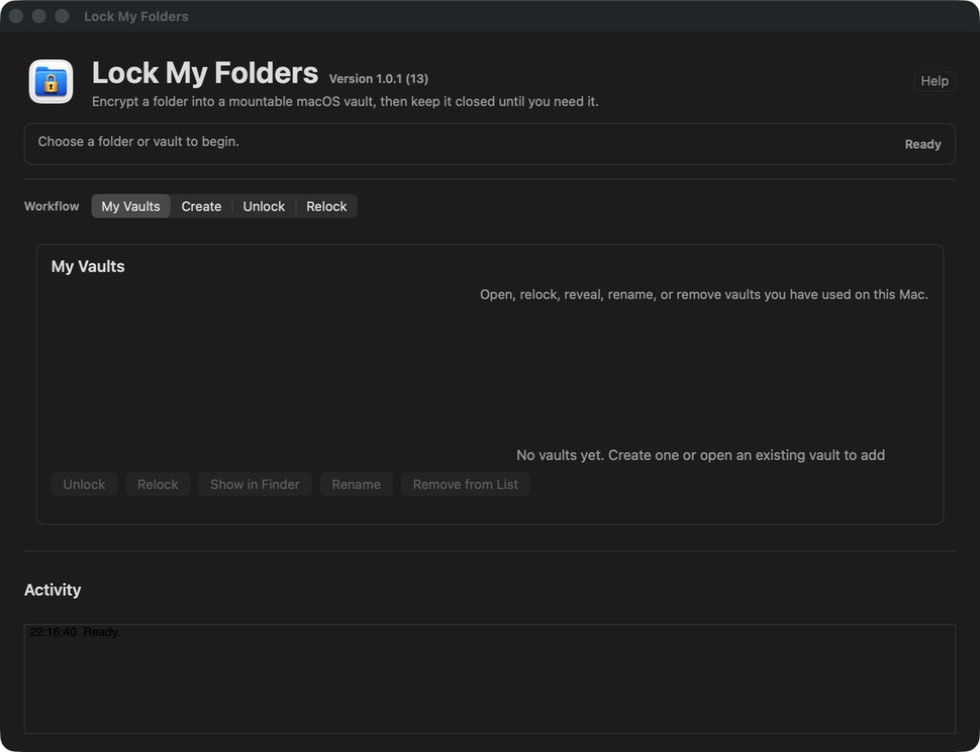
Lock My Folders keeps the workflow understandable: create a local encrypted vault, open it in Finder, and relock it when finished.
Uses macOS disk-image tools to create encrypted APFS sparsebundle vaults.
Mounted vaults behave like normal Finder locations while they are unlocked.
Reopen, relock, reveal, rename, or remove remembered vaults without deleting the vault file.
Compares directory structure, file types, symlink targets, file sizes, and every regular file byte before the original can be moved.
The vault and unlocked folder default beside the item you selected, with an option to choose another location.
Onboarding state, remembered vault references, and simple usage counters stay in local app preferences.
Requires confirmation that forgotten passphrases cannot be recovered before creating a vault.
Covers passphrase loss, backups, Trash, external drives, iCloud Drive, mount errors, and uninstalling.
One AppKit build supports macOS 10.15 and later on Intel and Apple silicon Macs.